Random Letter Generator

Generate random letters from A to Z with options for case, vowels or consonants, and repeats.

100% Browser-Based Local Processing

Press Generate for a random letter

Case
Letters to draw from

Press Space to generate again.Tap Generate again for new letters.

Privacy Focused

🔒 Local Processing. Your names and lists never leave your device.

Instant Results

🌐 Fully Client-Side. Runs instantly in your browser.

No Signup

⚡ No accounts. No API keys. Just open and use.

Browser Based

🚀 No installs, no sign-ups, no server round-trip.

What is a Random Letter Generator?

Random Letter Generator picks random letters from A to Z. Choose how many, upper or lower case, and whether to allow only vowels, only consonants, or both — and whether repeats are allowed. Generate one letter or several, then copy them. It all runs in your browser.

A random letter is handy for word games like Scattergories, for teaching the alphabet, for choosing a category, or as a quick prompt. This generator gives you one or many at the click of a button, with simple options to control what you get.

It runs entirely in your browser, so it's instant and works offline once loaded. Set the count and options, and generate.
How to generate a random letter

Step 1: Choose how many letters you want and the case (upper, lower, or both)

Choose how many letters you want and the case (upper, lower, or both).

Step 2: Optionally restrict to vowels only or consonants only, and allow or disallow repeats

Optionally restrict to vowels only or consonants only, and allow or disallow repeats.

Step 3: Generate, then copy the letters or generate again for a new set

Generate, then copy the letters or generate again for a new set.

Random Letter Generator in action

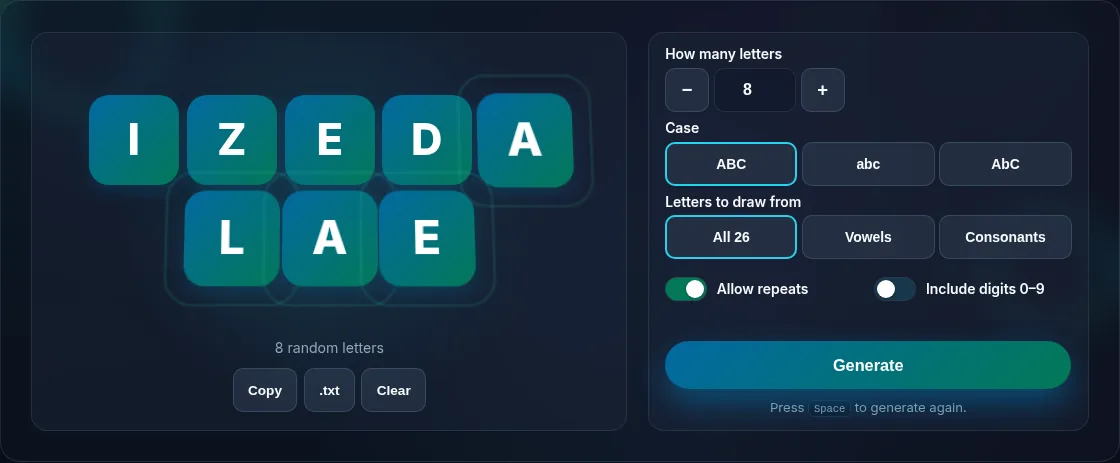
Random letters generated with case and repeat options.
Letters + options
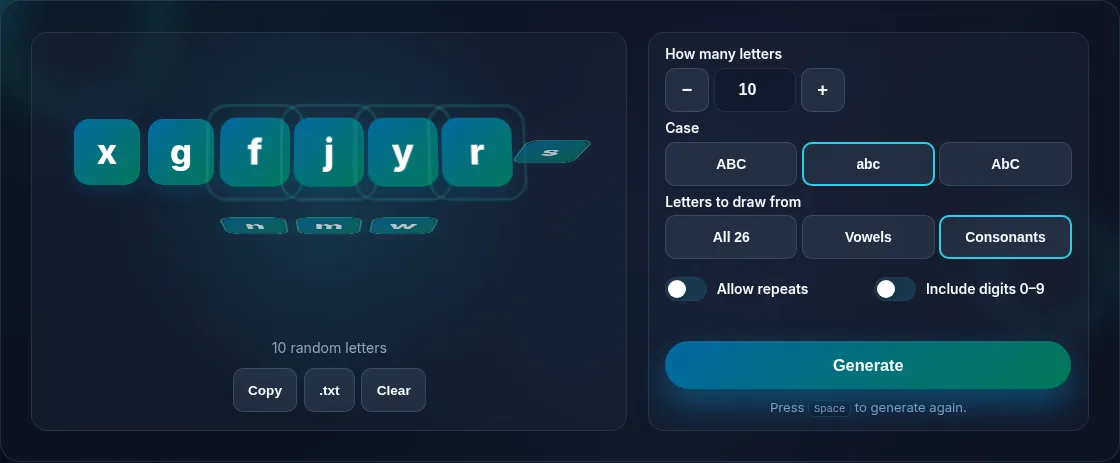
Restricting random letters to vowels or consonants.
Vowel/consonant option
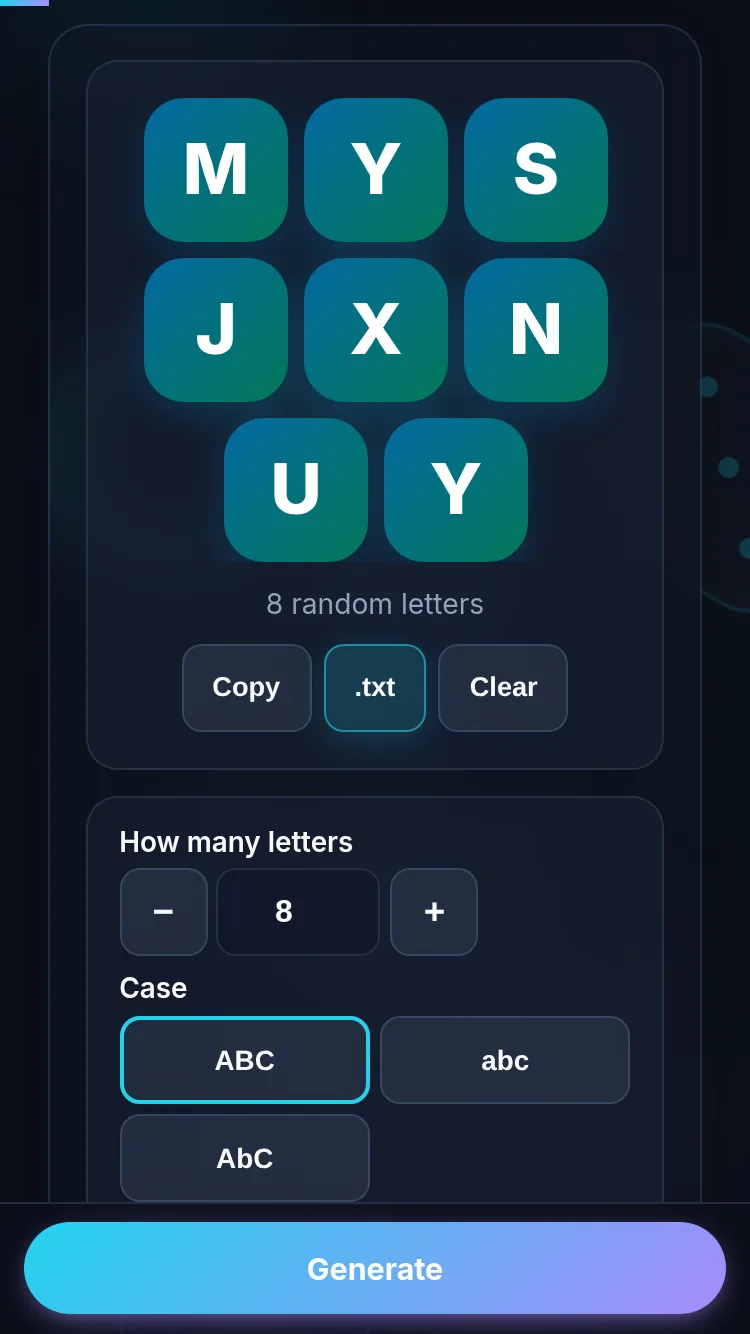
Generating random letters on a phone, no app installed.
Mobile (stacked)

Options for games and teaching

Small options make a letter generator far more useful. Restrict to vowels or consonants for phonics lessons or specific word games; choose case to match a worksheet; and turn repeats off when you need a set of distinct letters (capped at 26, the size of the alphabet). For games like Scattergories you usually want a single uppercase consonant or any letter; for teaching, a slow sequence of letters helps. Everything runs locally, so it's fast, offline-friendly, and private. For whole random words instead of single letters, use the Random Word Generator; for random codes and tokens, the Random String Generator.

Frequently Asked Questions

How do I get a single random letter?

Set the count to one and generate — a random letter appears. You can choose upper or lower case and whether it's any letter, a vowel, or a consonant. Generate again for a new letter; it's instant because everything runs in your browser.

Can I get only vowels or only consonants?

Yes. A simple option lets you restrict the pool to vowels only, consonants only, or the full alphabet. That's useful for phonics teaching, specific word games, or puzzles where you need a particular kind of letter.

Can I generate several letters at once?

Yes. Set the count to generate a list of random letters in one go, with the option to allow or disallow repeats. With repeats off, you can generate up to 26 distinct letters (the size of the alphabet); beyond that, repeats are required.

Can I choose upper or lower case?

Yes. You can generate uppercase letters, lowercase letters, or a mix of both, so the output matches whatever you're using it for — a worksheet, a game card, or a prompt. The choice applies to every letter generated.

What's it useful for?

Random letters are great for word games like Scattergories and Categories, teaching and practising the alphabet, choosing a starting letter for a challenge, or as quick prompts. A single letter sets a constraint; a list of letters can seed a puzzle or worksheet.

Is it random and private?

Yes. Letters are chosen at random by your browser, evenly across the set you select, and everything runs locally — nothing is uploaded or stored. It works offline once the page has loaded, so you can use it anywhere without an account.

Is it private — is anything uploaded?

No. Everything runs in your browser, so whatever you enter is processed on your own device and never uploaded. Nothing is stored once you close the tab unless you choose to save it. That keeps your lists, names, and data private.

Is it free, and do I need to sign up?

Yes, it's completely free with no account, no trial, and no limit on how many times you use it. Because it runs entirely in your browser, there are no server costs, no usage caps, and no watermark or branding added to your result.

Does it work on a phone?

Yes. It runs in your phone's browser with nothing to install, so you can use it on Android or iOS. The layout adapts to small screens, making it easy to use on the go, at a party, or in a classroom.

Does it work offline?

Once the page has loaded, it runs entirely on your device, so it keeps working without a connection — which is also why nothing is uploaded. You only need to be online to open the page the first time; after that the tool works locally.

Can I copy or share the result?

Yes. You can copy the result to your clipboard with one click, and many results can be downloaded or shared. Everything is generated locally, so copying and sharing are instant with no upload step.

Is the randomness fair?

Yes. The tool uses your browser's secure random number generator, so every outcome is genuinely unpredictable and each option has an equal chance. It isn't weighted or rigged — results are as fair as a well-shuffled deck or an even spin.

Still have questions?

If you can't find the answer you're looking for, feel free to contact our support team.

Contact Us