Randomly.online
×

WebP to PDF Converter

Drag & Drop WebP files here
Supports Static & Animated WebP

The Ultimate WebP to PDF Solution

Welcome to Randomly.online's advanced WebP to PDF converter, a tool designed for modern web professionals, designers, and casual users alike. WebP has become a dominant image format on the web due to its superior compression and quality, but sharing these files in a universally accepted document format like PDF can sometimes be a challenge. If you need to manipulate the file details after conversion, you might find our Edit PDF Metadata tool useful. Our tool bridges this gap with precision and ease, operating entirely within your browser to ensure maximum privacy and speed.

Unlike generic converters, this utility is specifically engineered to handle both static and animated WebP files. Animated WebPs are increasingly common, yet most converters simply fail or only capture the first frame. Our interface provides previews of your content and allows you to organize multiple WebP images into a single, cohesive PDF document. Whether you are archiving web assets (which you can also do via HTML to PDF), creating a portfolio from digital art, or simply compiling receipts saved in WebP format, this tool provides the flexibility you need.

We prioritize user experience with a clean, dual-mode interface that respects your system preferences. The drag-and-drop functionality makes batch processing effortless. You can rearrange pages, adjust margins, and define page orientations to ensure your final PDF looks exactly how you intended. Best of all, because the conversion happens on your device using advanced client-side libraries, your files are never uploaded to a remote server, guaranteeing absolute data security.

Step-by-Step Guide

Using the WebP to PDF converter is intuitive and fast. Follow these simple steps to transform your images into professional documents:

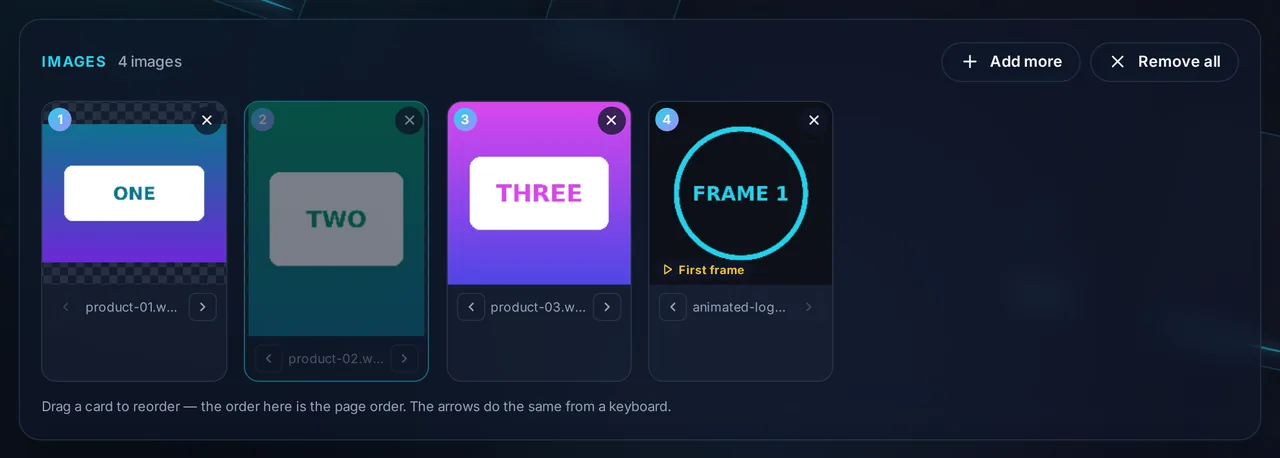
  1. Upload Your Files: Click the "Select Files" button or drag and drop your WebP images directly into the upload zone. You can select multiple files at once, including mixed batches of static and animated WebPs. If you have other image formats, check out our Image to PDF Converter.
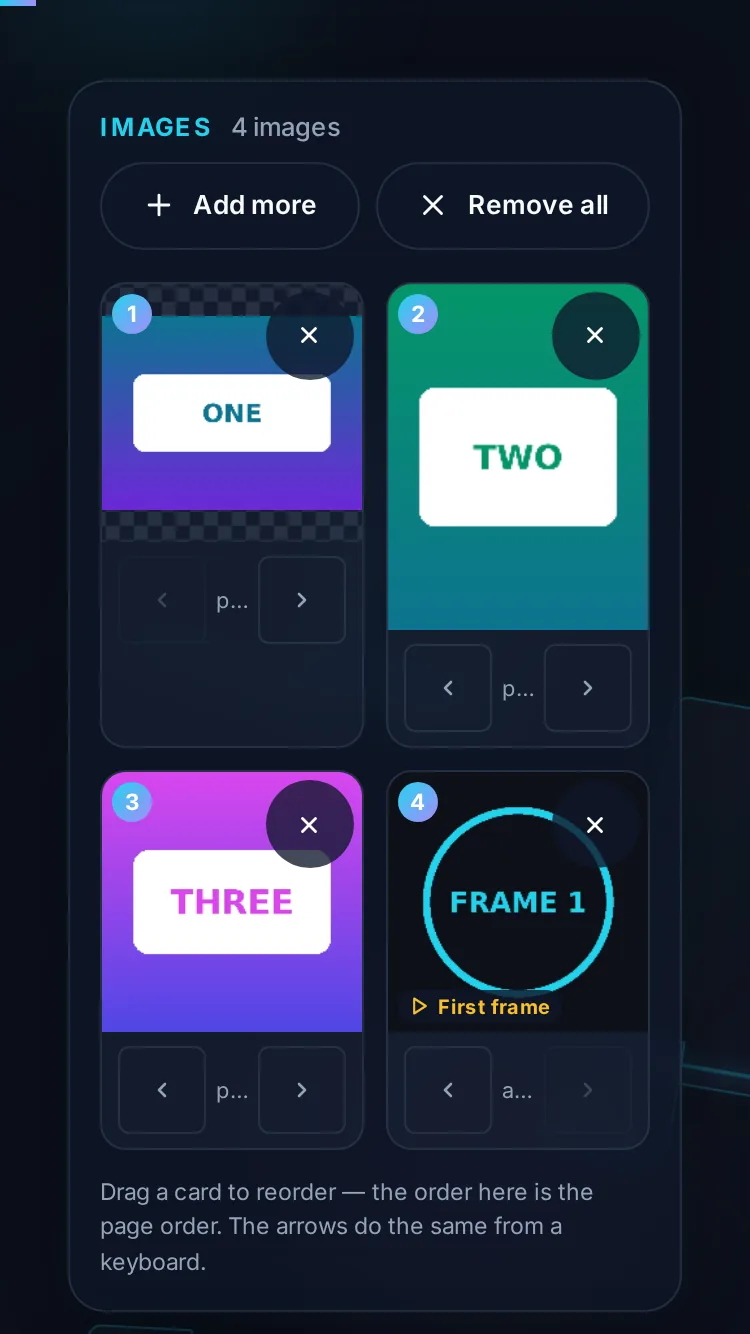
  2. Customize Previews: Once uploaded, each image appears as a card. If you are working with animated WebPs, you can use the frame scrubber (where supported) or view the default frame. If you need a creative layout for your images before converting, try our Photo Collage Maker first.
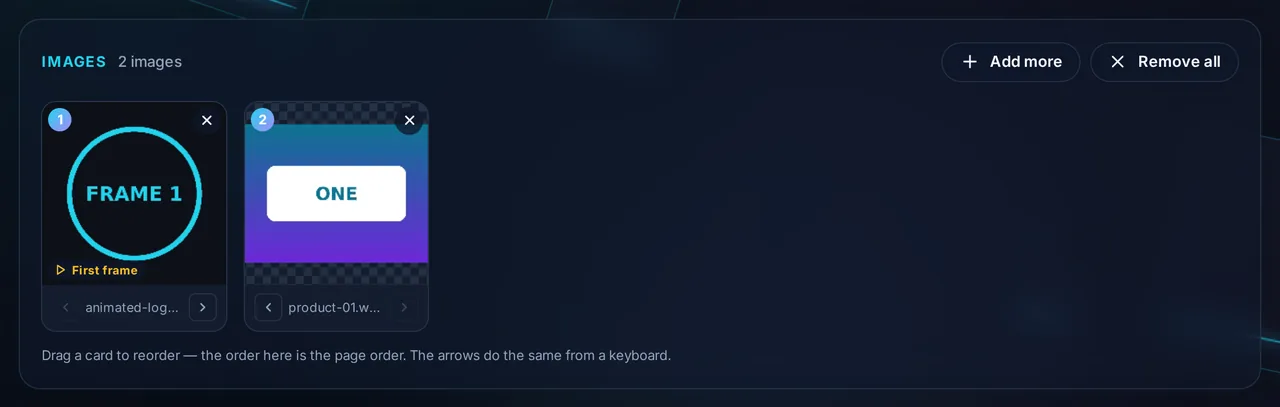
  3. Organize Pages: The order of the cards determines the page order in your PDF. Simply drag and drop the cards to rearrange them. If you made a mistake, click the "X" on any card to remove it from the list.
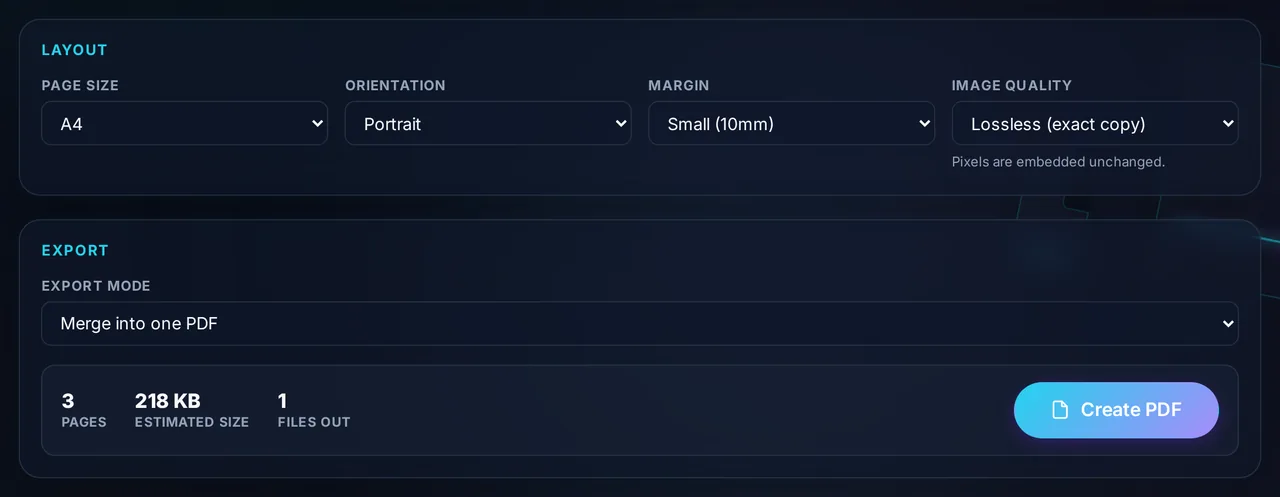
  4. Configure PDF Settings: On the right-hand panel (or bottom on mobile), adjust your global settings. Choose your paper size (A4, Letter, or Fit to Image), set your desired orientation, and choose margin sizes. You can also decide whether to merge all images into one PDF or download them as a ZIP of individual files.
  5. Generate & Download: Click "Create PDF." The tool will process your images, showing a progress bar. Once complete, your file will download automatically. If you need to lock the file immediately, use our Protect PDF with Password tool.

FAQ

Does this tool support animated WebP files? +

Yes, we support animated WebP files. By default, the tool will capture the first frame of the animation to place into the PDF. We are working on advanced features to allow you to select specific frames. If you need the animation itself in a widely supported format, consider using our Convert to GIF tool instead. Currently, the preview card allows you to verify the content before conversion.

Is my data secure? Are my files uploaded? +

Your security is our top priority. This tool runs entirely in your browser using client-side JavaScript technologies (WASM and HTML5 Canvas). Your images are processed locally on your device and are never uploaded to our servers. This means you can safely convert sensitive documents or personal photos without privacy concerns. However, if you need to reverse the process later, you can use our Extract Images from PDF tool.

Why should I convert WebP to PDF? +

WebP is an excellent format for the web, but it isn't always compatible with printers, older image viewers, or document submission portals. Converting to PDF ensures your images are viewable on any device, operating system, or professional setting. If you are preparing documents for black-and-white printing, you might also want to check our Convert PDF to Grayscale tool. It also allows you to combine multiple images into a single, easy-to-share file.