Randomly.online
×

Passport Size Photo Maker

Create passport, visa, or ID photos in seconds. 100% Free.

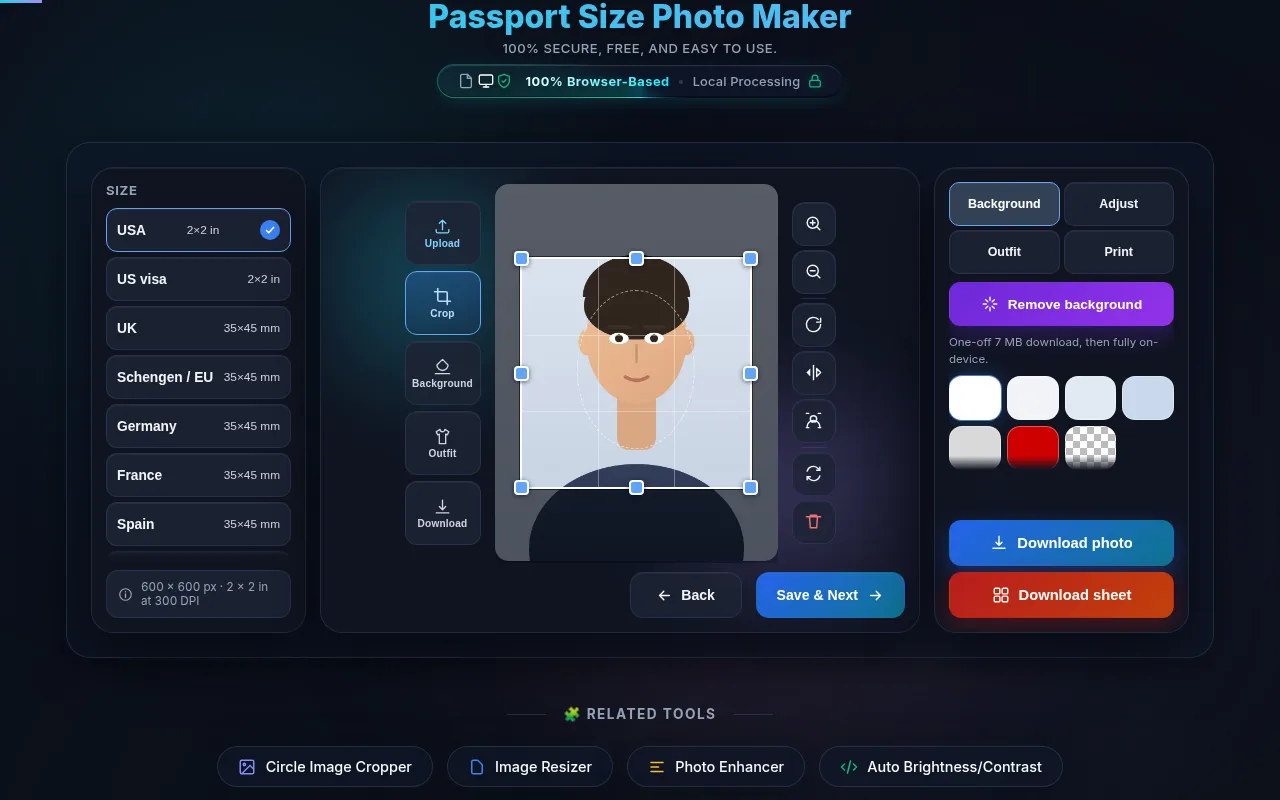
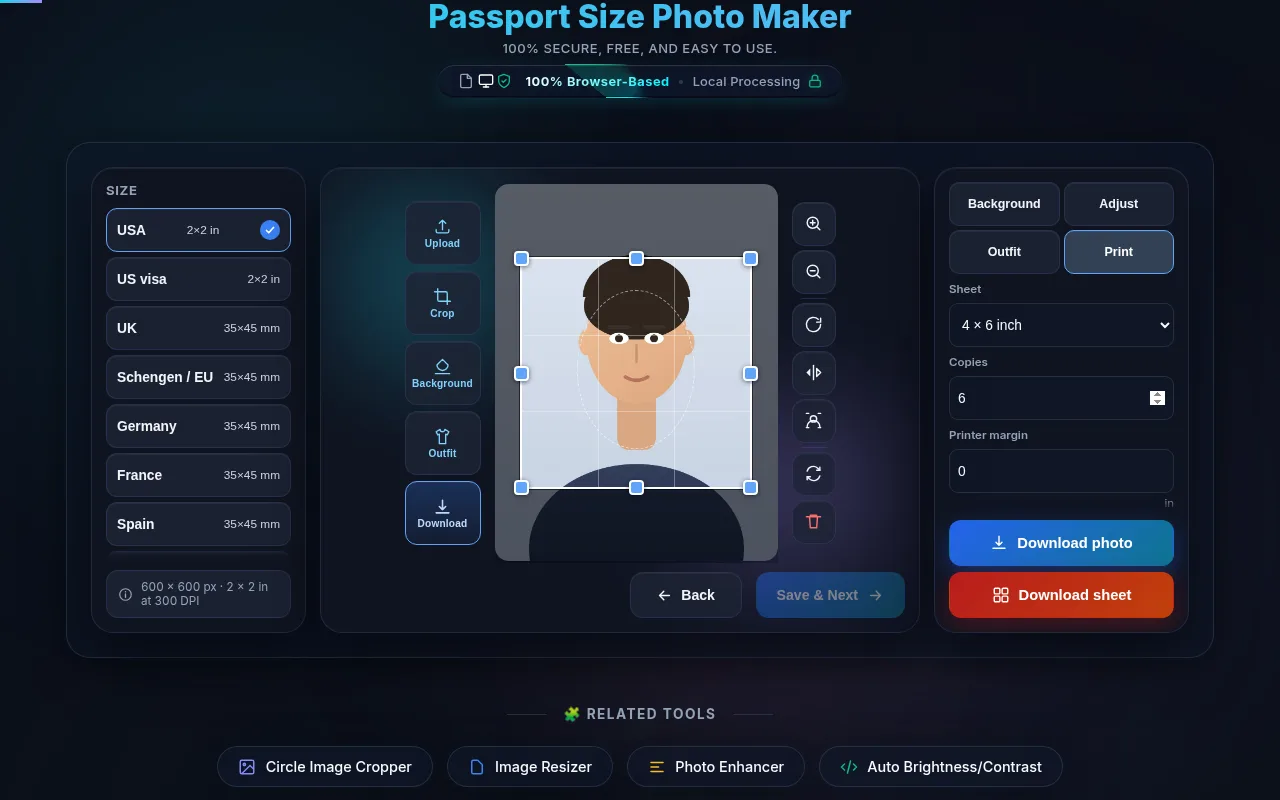
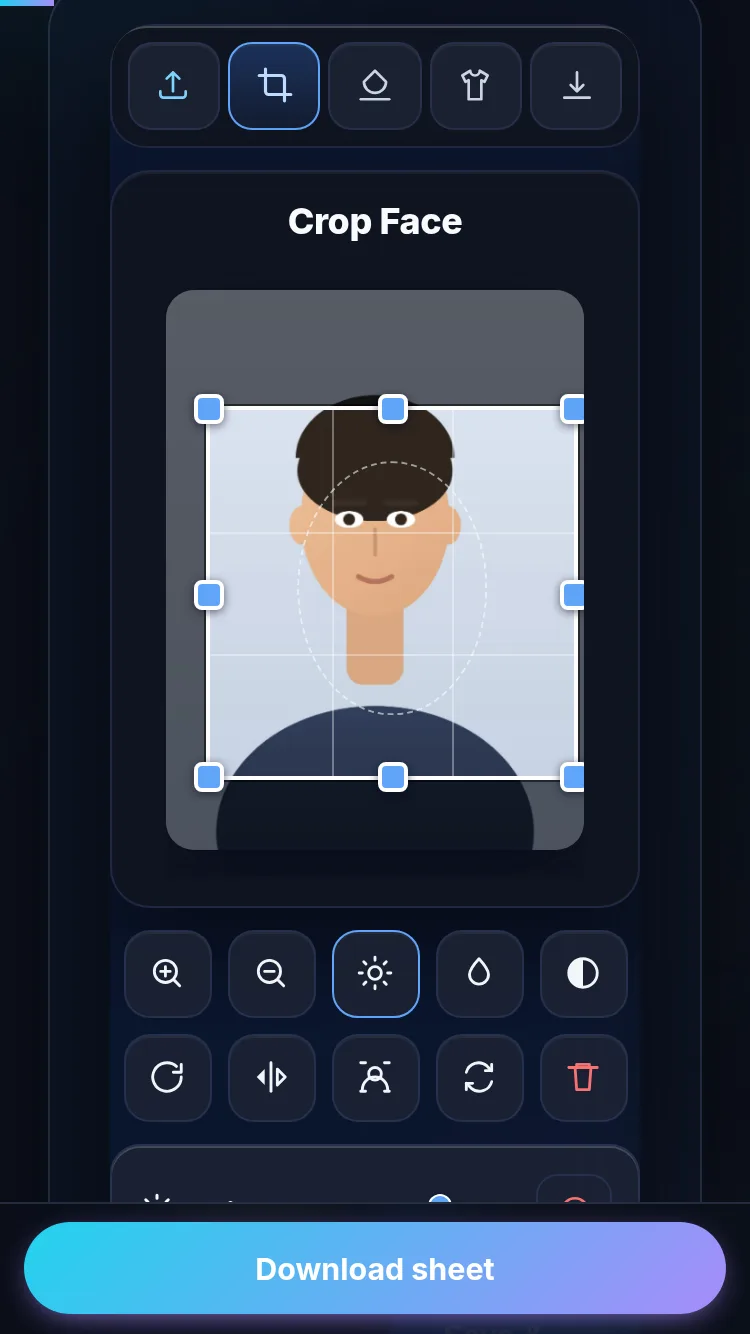
User uploaded image preview for cropping
1.0x

1. Choose Size

USA (2 x 2 inch)
India (2 x 2 inch)
UK (35 x 45 mm)
Custom Size

2. Edit Photo

100%
100%
100%

3. Download

Introduction

In today's digital age, applying for official documents like passports, visas, and identification cards has moved online, yet obtaining the perfect photo remains a significant hurdle. The Passport Size Photo Maker by Randomly.online is designed to solve this exact problem. It is a powerful, free, and secure web-based utility that empowers you to create compliant, professional-quality photos from the comfort of your home. Gone are the days of visiting expensive photo studios or hunting for photo booths.

With our tool, you can transform any standard portrait into a biometrically compliant image suitable for official use in countries like the USA, India, the UK, and many others. Our technology runs entirely in your browser, meaning your personal photos are never uploaded to a remote server, ensuring complete privacy and data security. Whether you need a 2x2 inch photo for a US visa or a 35x45 mm photo for a UK passport, our intuitive interface handles the complex dimensions and resolutions for you. By offering real-time cropping, zooming, and color adjustments, we ensure your photo meets strict government requirements for head size and positioning. This tool is perfect for students, travelers, and job seekers who need quick results without the hassle or cost.

How to Use

Creating a perfect passport photo is a seamless process with our intuitive tool, designed to guide you from upload to download in just a few simple steps.

Frequently Asked Questions (FAQ)

The United States Department of State enforces strict requirements for passport and visa photos to ensure biometric accuracy. The photo must be exactly 2 x 2 inches (51 x 51 mm). Within this frame, the head must be centered and sized between 1 inch and 1.4 inches (25 mm and 35 mm) measured from the bottom of the chin to the top of the head. Our "USA (2 x 2 inch)" preset is pre-configured to this specific aspect ratio and resolution (300 DPI). However, it is up to you to use the zoom and pan tools to position your head correctly within the frame. We recommend leaving a comfortable amount of space above the head and ensuring your shoulders are visible.

This tool includes a "Background Color" setting (White, Light Blue, Red), but it works differently from an AI background remover. It fills the canvas behind your image. If your uploaded photo already has a transparent background (PNG), our tool will fill the transparent areas with the color you select. However, if you upload a standard JPEG with a messy background, this tool will not automatically cut out your subject or erase the background. We strongly recommend taking your photo against a plain white or off-white wall to ensure compliance with government regulations without needing advanced editing.

Privacy is our top priority at Randomly.online. This Passport Size Photo Maker functions entirely as a client-side application. This means that all image processing—cropping, resizing, and filtering—happens locally within your web browser on your device. Your photos are never uploaded to, stored on, or processed by our servers or any third party. This ensures 100% data privacy and security. Furthermore, this tool is completely free to use. You can generate unlimited photos and print sheets without any watermarks, subscriptions, or hidden fees, making it a safe and cost-effective alternative to professional studios.